
FloorGen 2: The ultimate solution for flooring!
30 June 2026
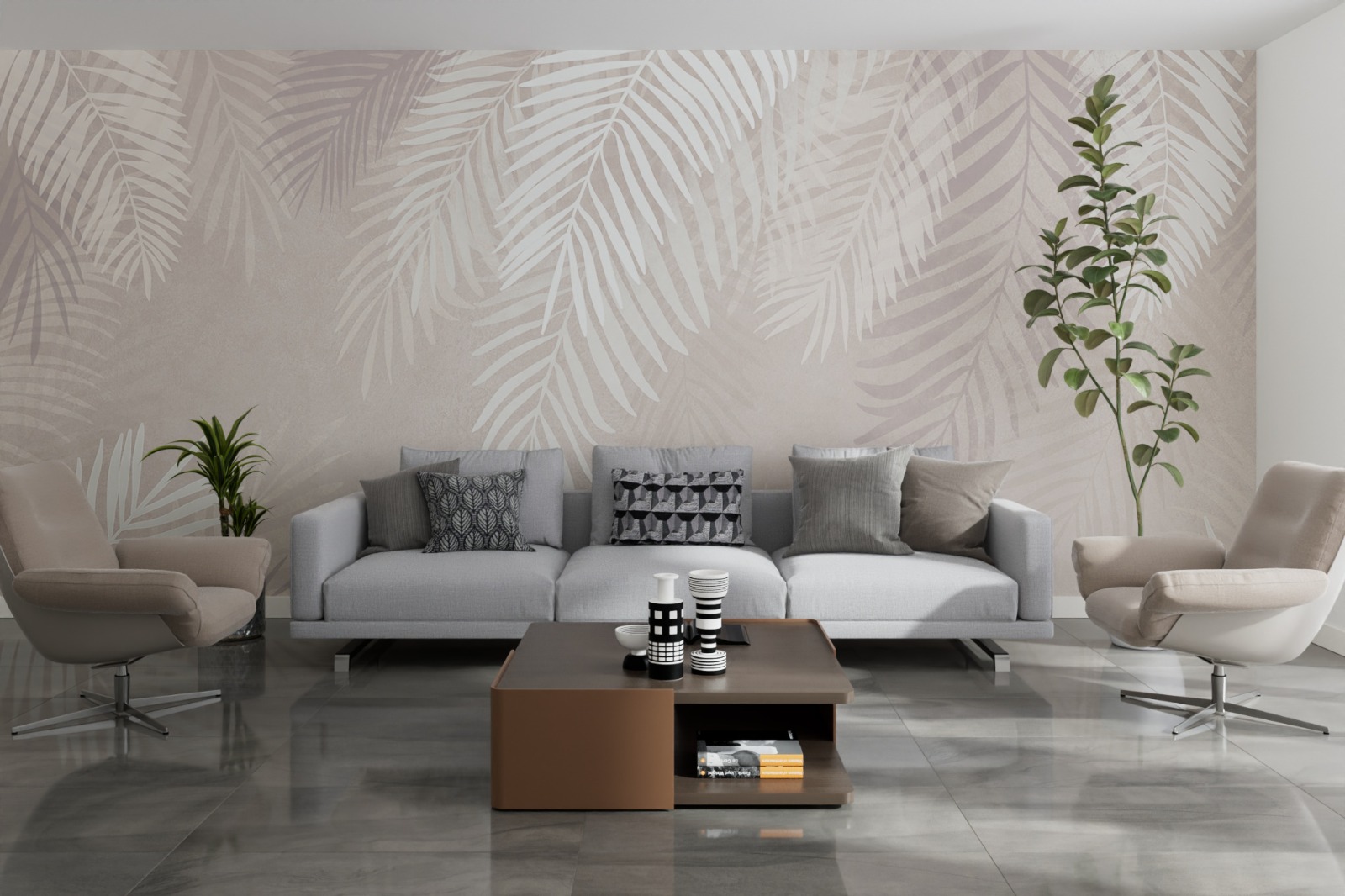
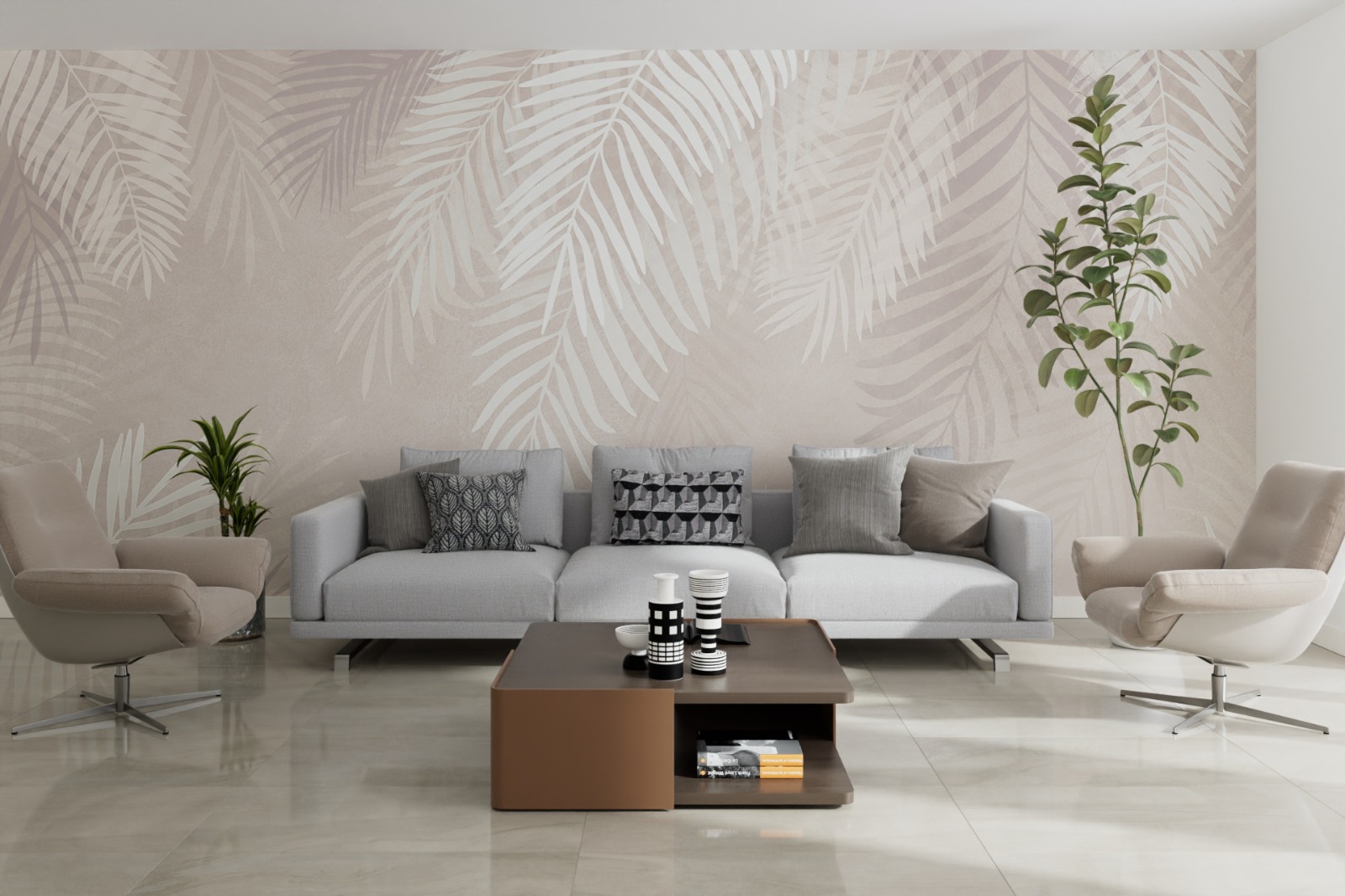
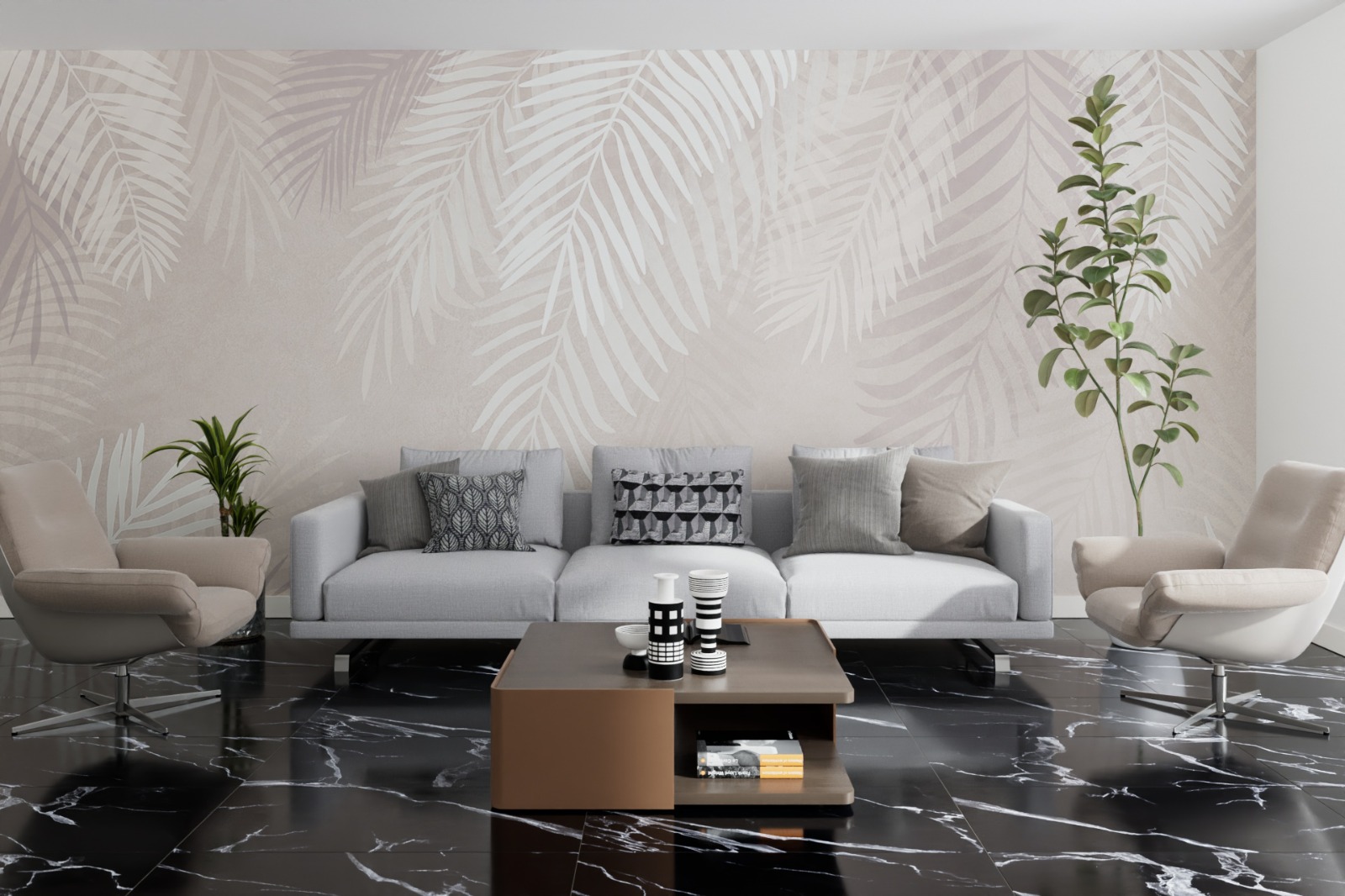
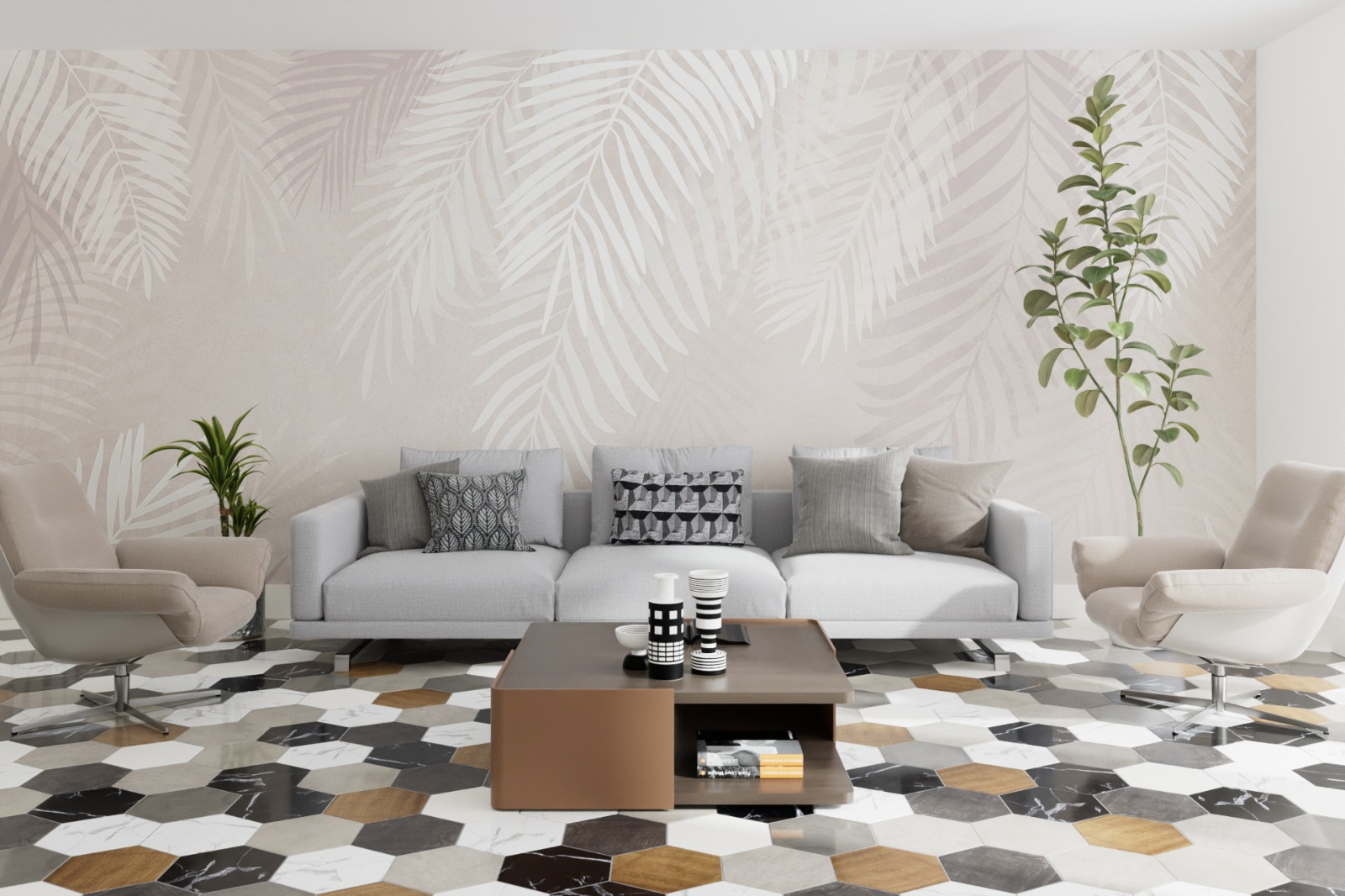
Anyone working in architectural visualization or interior design knows how repetitive and time-consuming creating realistic flooring can be. Manually modeling individual parquet planks, aligning tiles on irregular surfaces, or managing grout and baseboards for an entire apartment can quickly turn into a modeling nightmare that drastically slows down production.
To solve this problem once and for all, we are thrilled to introduce FloorGen 2, the evolution of our parametric generator for Cinema 4D, designed to fully automate the creation of floors, wall coverings, tile layouts, and complex parquet systems.
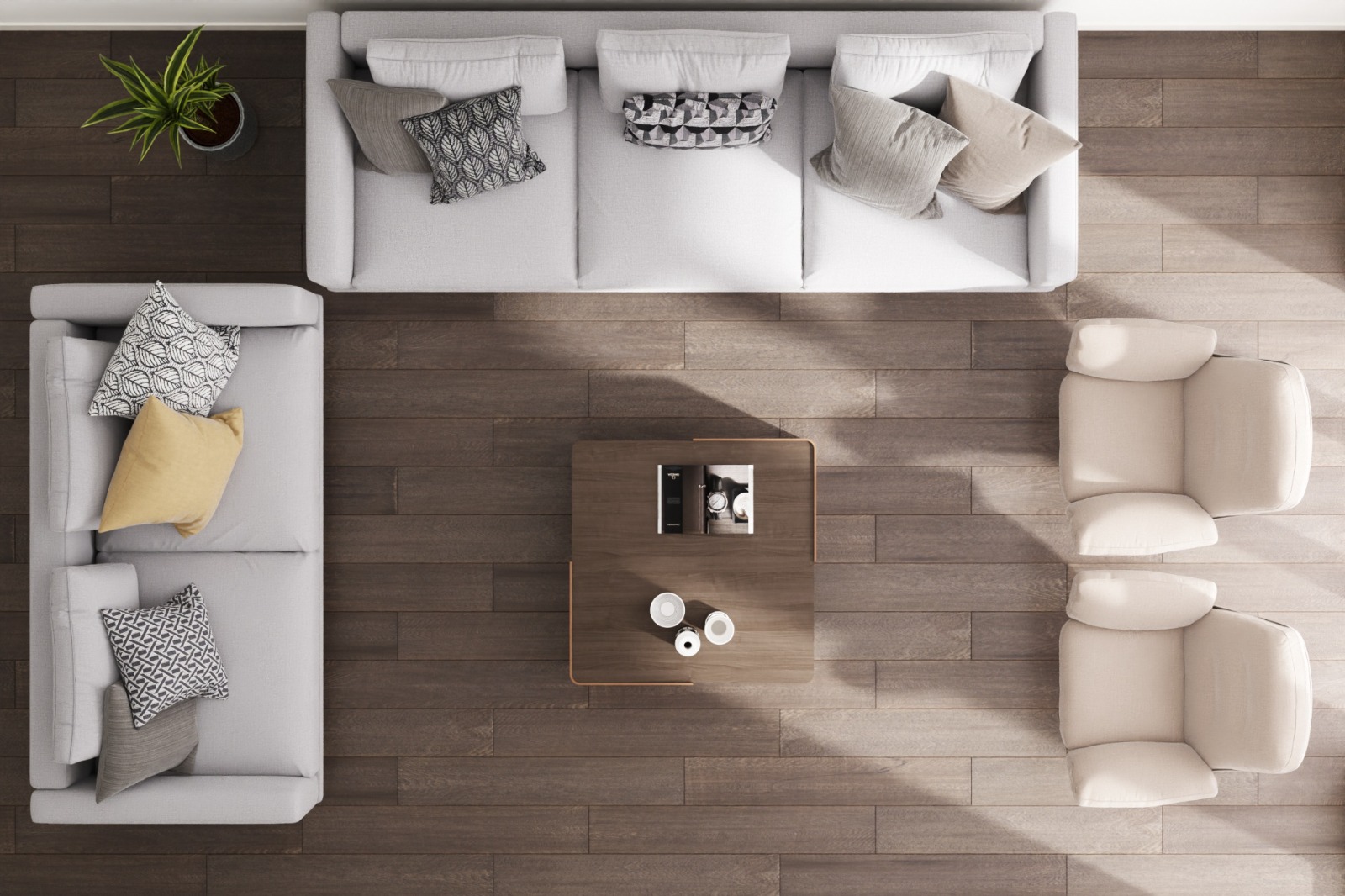
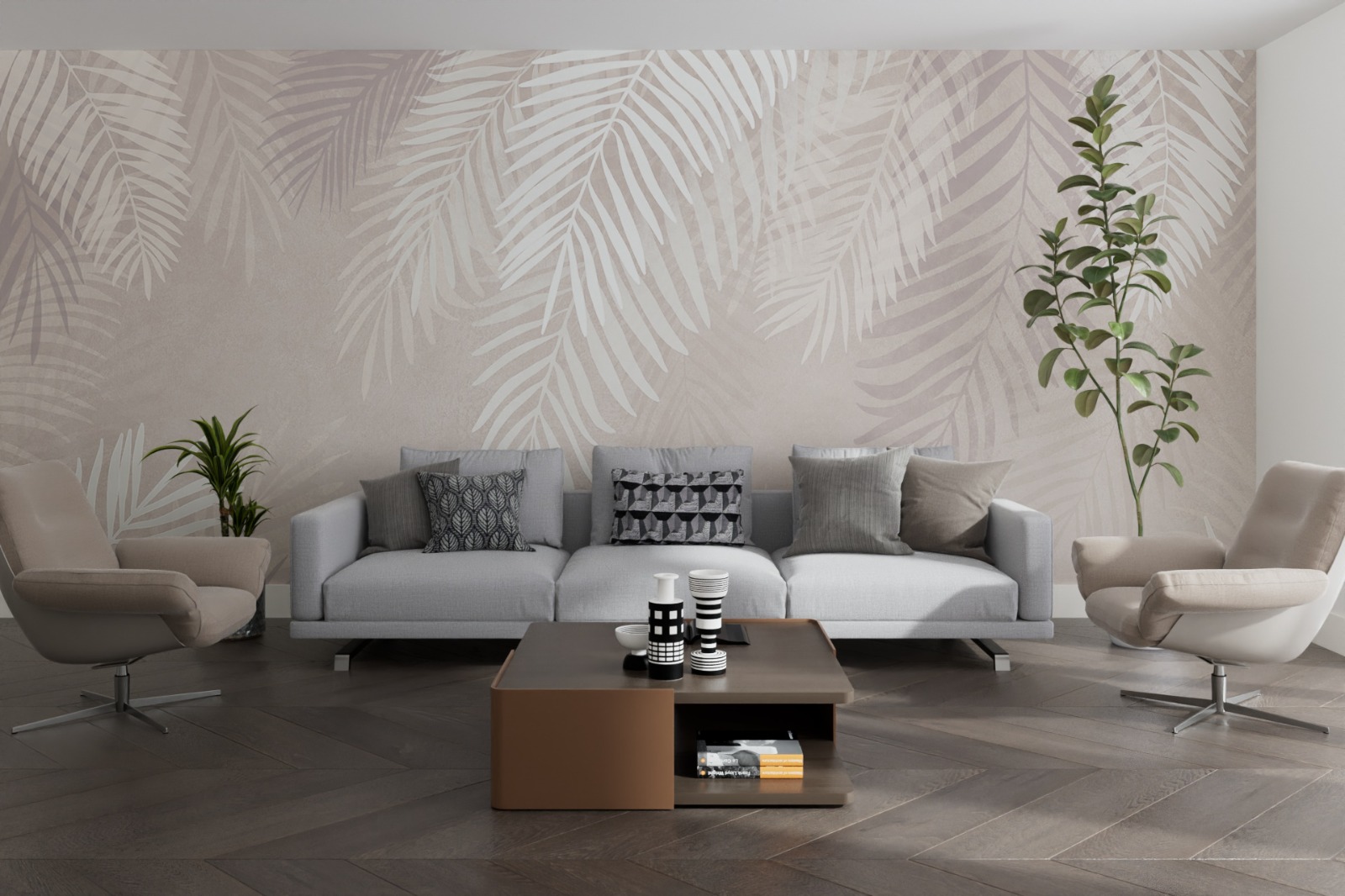
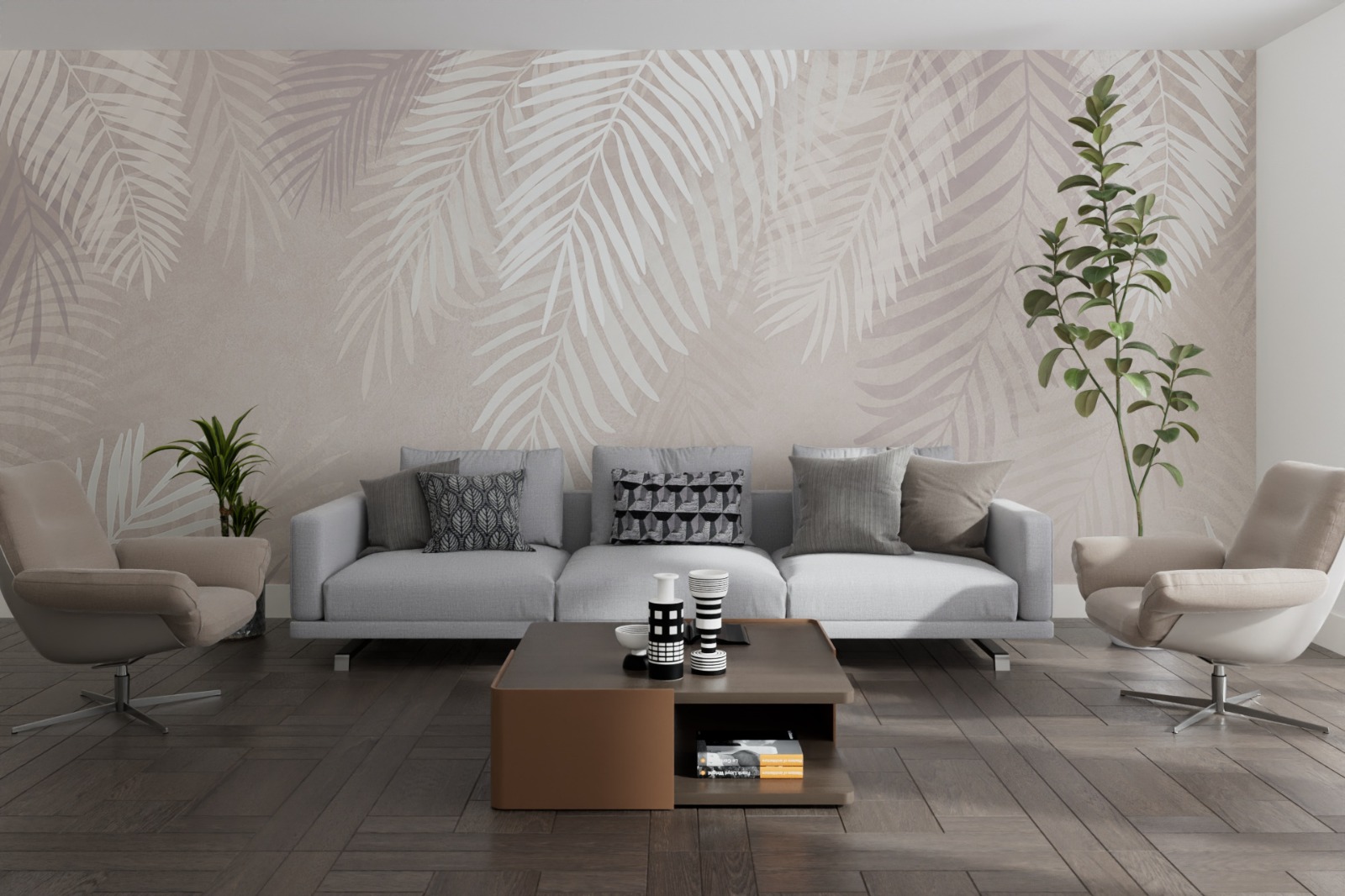
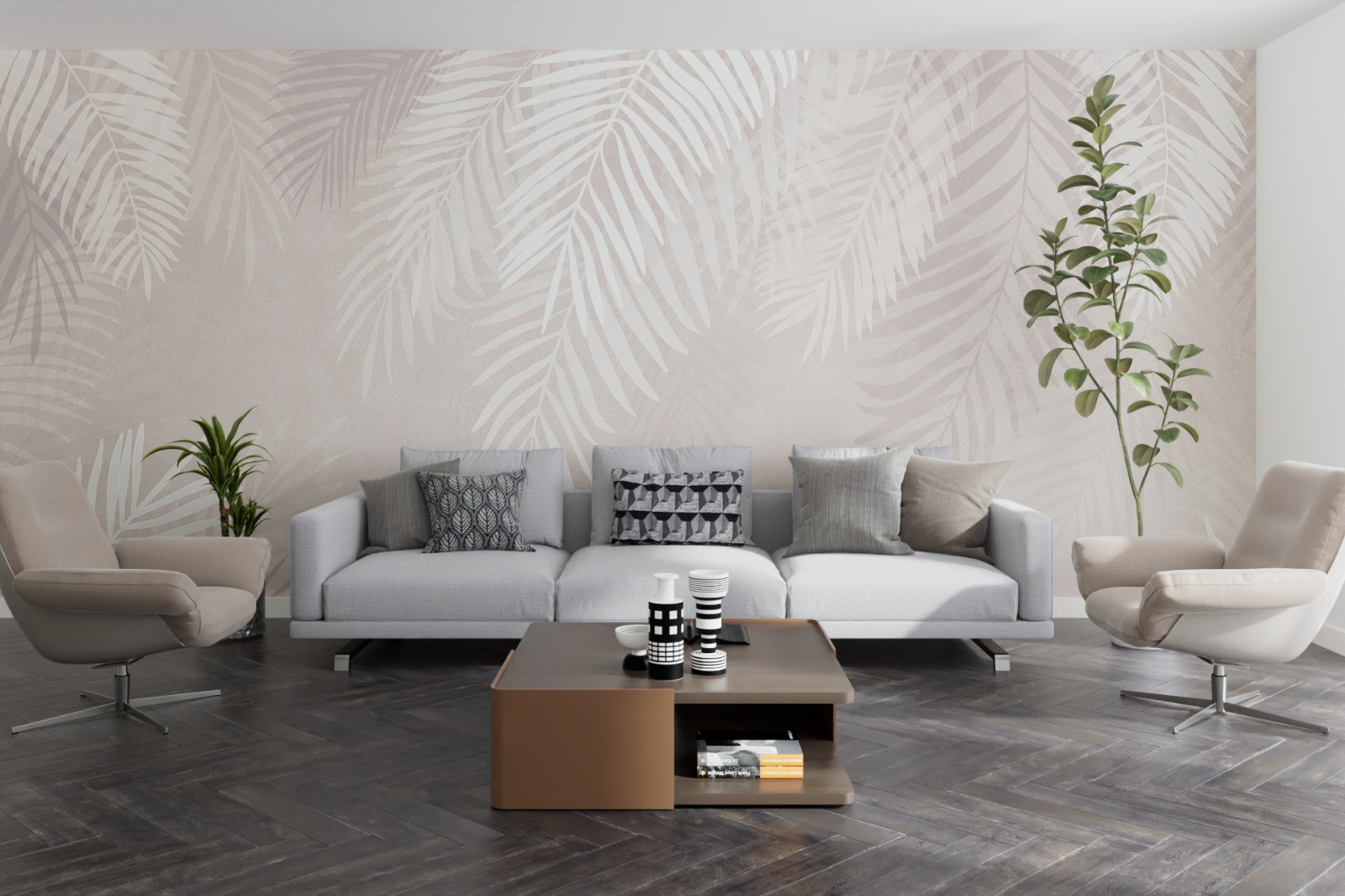
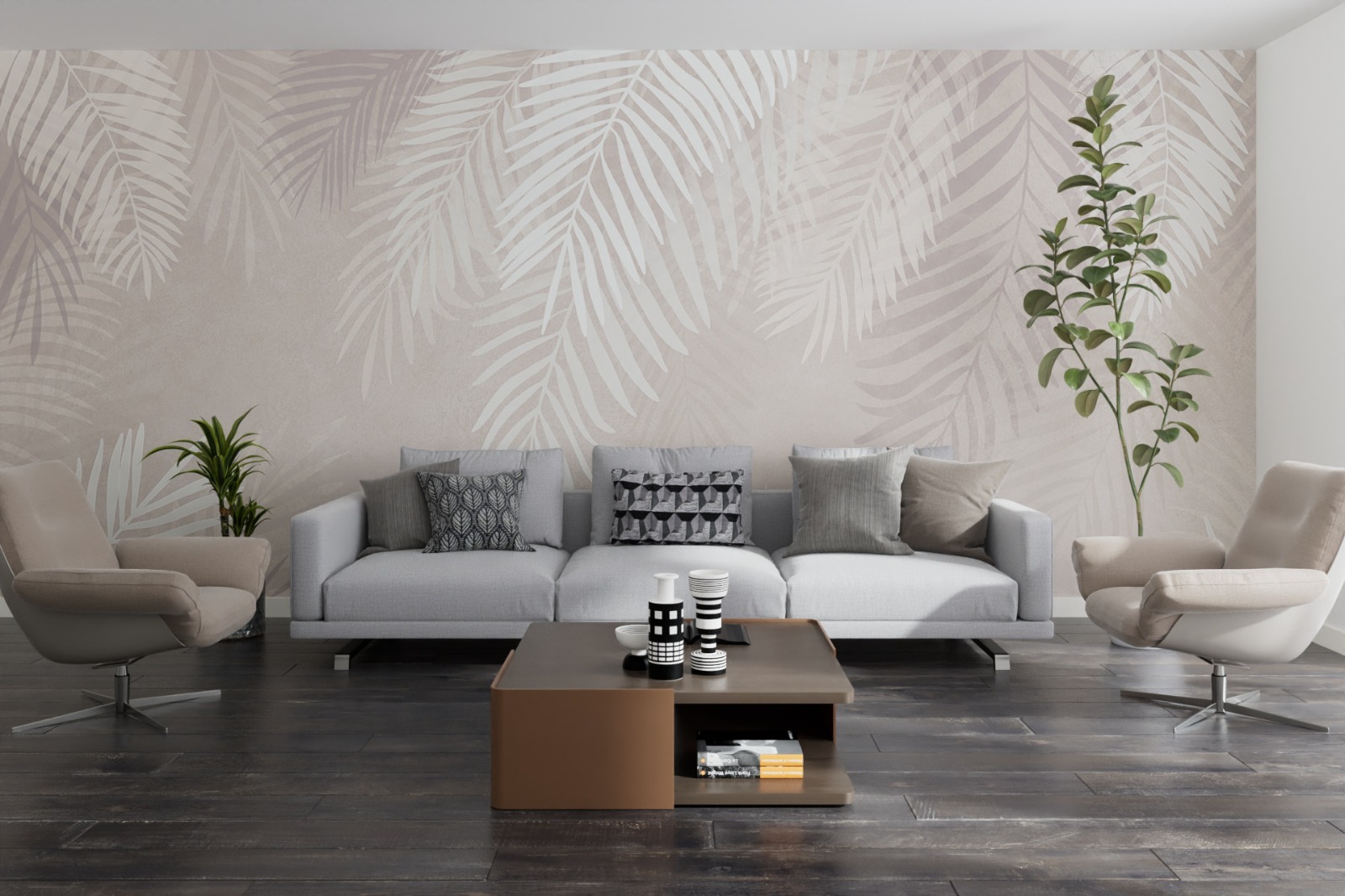
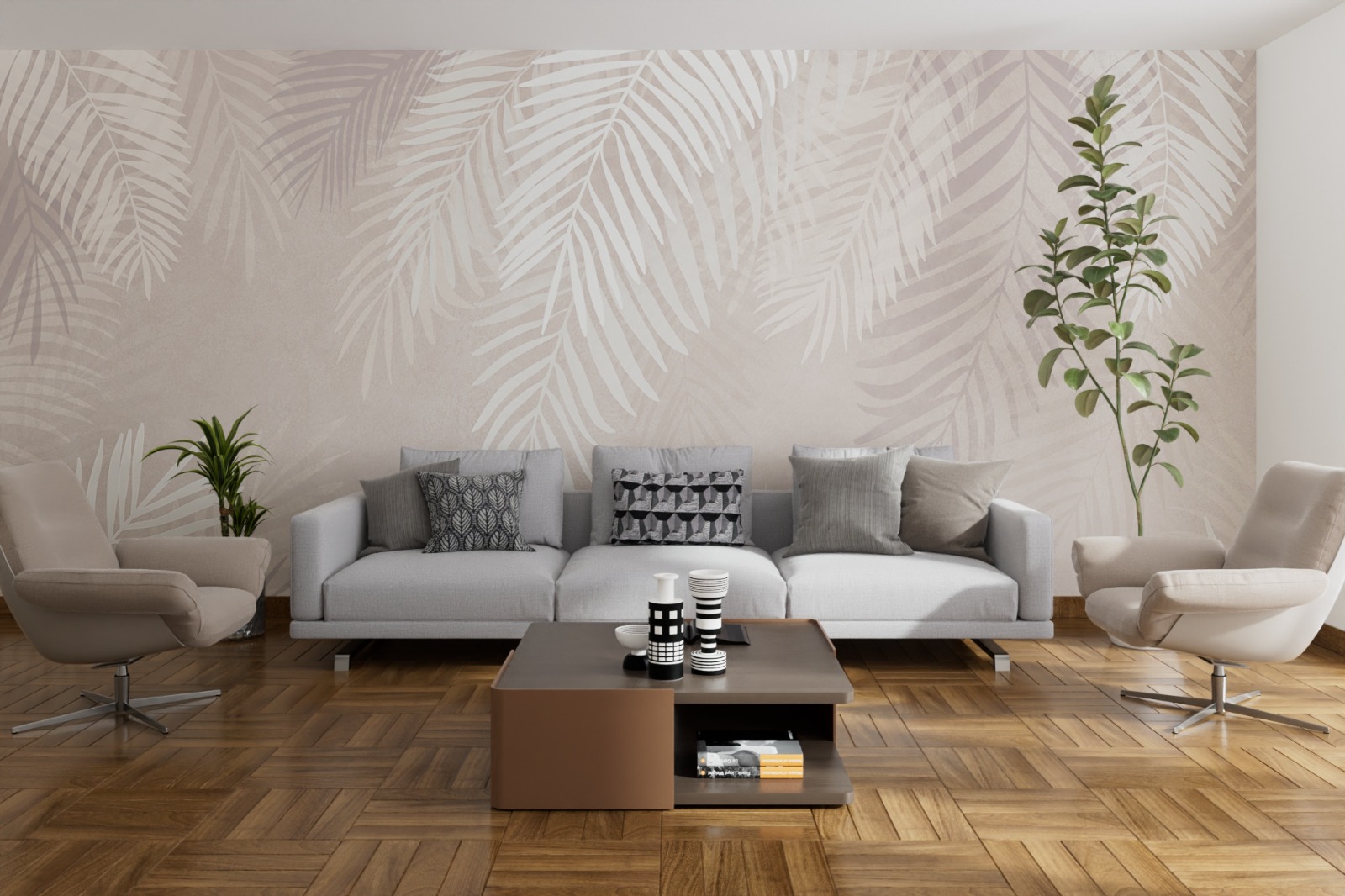
FloorGen 2 is much more than just a "tile" generator. Thanks to an integrated library including Planks, Herringbone, Chevron, Versailles, French Pattern, and Opus Romanum, you can instantly generate complex surfaces starting from a simple polygon selection or a rectangular area. The internal technology automatically normalizes UV density, ensuring that texture scale remains consistent even when mixing pieces of different sizes.
A floor is not complete without its perimeter. The plugin includes a dedicated system for generating baseboards that can automatically follow the floor boundary or specific paths (Room Paths) defined by separate splines. You can easily manage door openings, insert custom profiles, and adjust the gap between the floor and the skirting board, all in a parametric and non-destructive way.
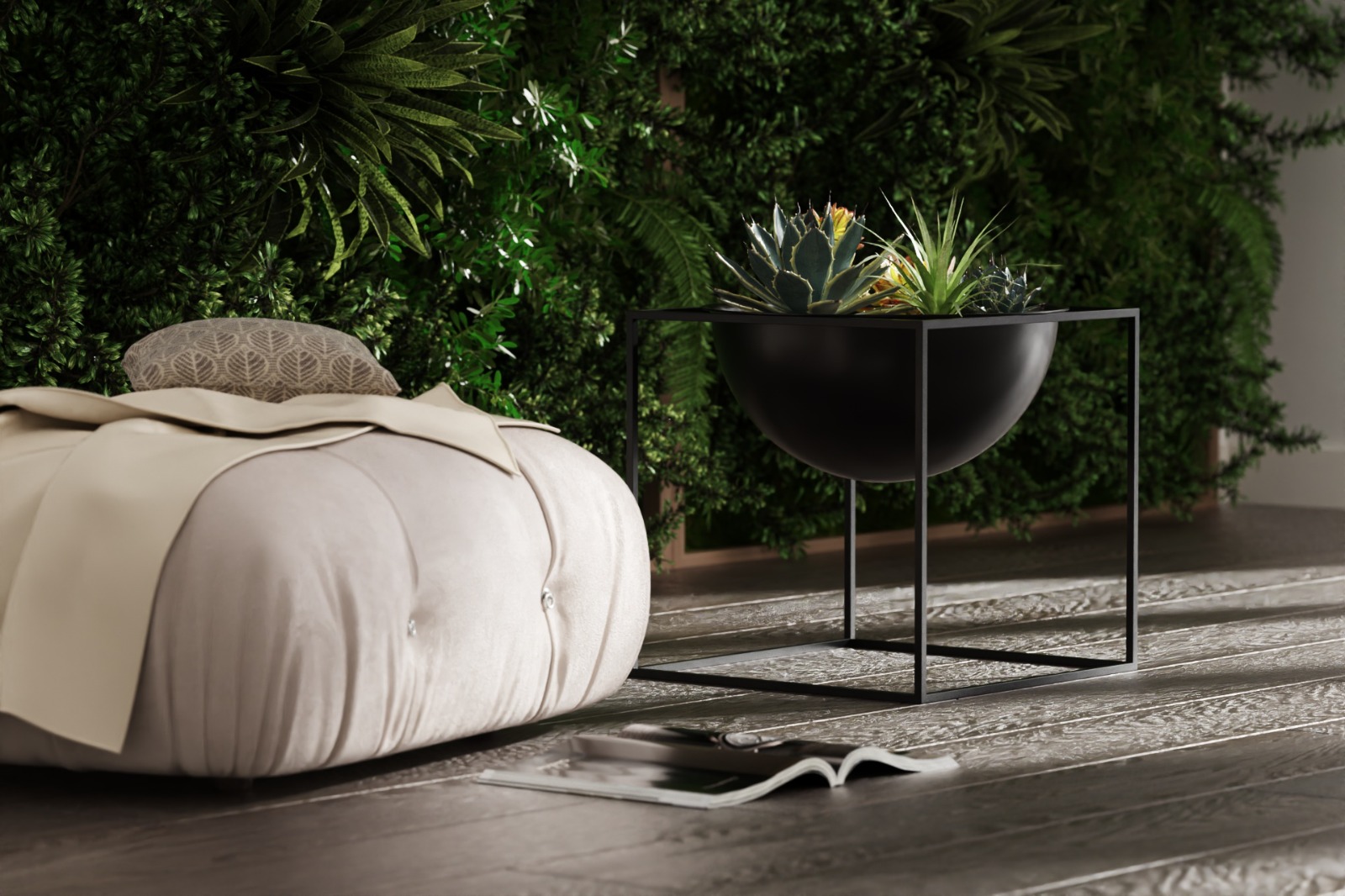
Whether you use Corona, Octane, Redshift, V-Ray, or the native Cinema 4D render engine, FloorGen 2 streamlines your material workflow. With a 10-slot matrix, you can distribute random material variations across individual elements, avoiding the "repetitive" look typical of CG surfaces. Built-in UV rotation, scale, and offset controls ensure perfect grain alignment for wood or stone without the need for complex manual UV editing.
FloorGen 2 has been optimized to keep your scene lightweight. By logically separating components (flooring, grout, baseboards) and preserving material references even after conversion to editable geometry, the plugin allows you to maintain a fluid and clean workflow. Furthermore, thanks to the preset system, you can save entire configurations—including Phong settings and material links—to reuse them instantly in any future project.
C4Dzone Staff





FOLLOW US